
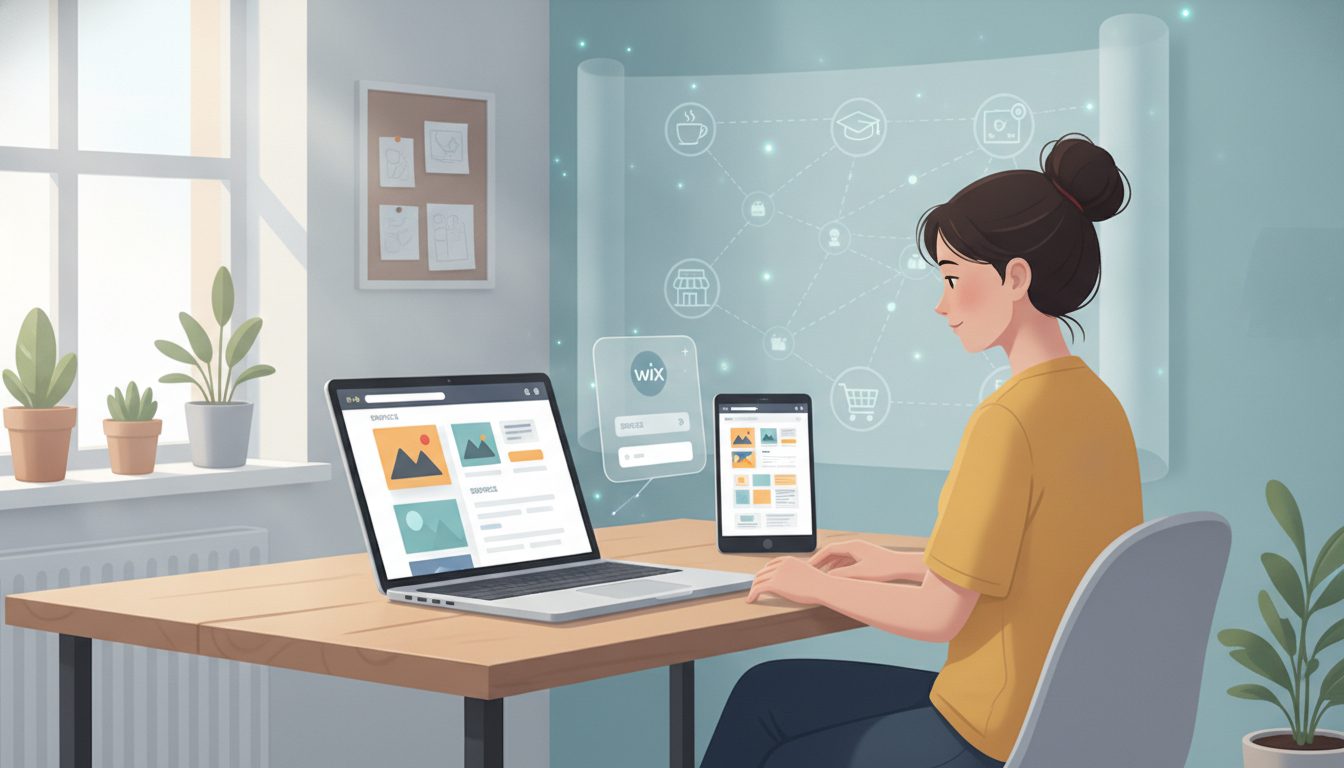
Wix Unveils New AI-Powered Website Building Tools for Beginners
Wix just rolled out features meant to speed up website creation and cut down on technical headaches, especially for folks who aren’t into coding. The big idea: blend AI-driven site setup with the familiar drag-and-drop controls, so first-timers and small businesses can get a pro-looking site live without burning days or wrestling with code.
What’s New: AI, Templates, and Real-World Success Stories
The headline feature here is Wix Harmony—their next-gen builder that fuses artificial intelligence with hands-on editing. The process is pretty direct: describe what you want (think, “Build me a site for a high-end sushi catering business in Seattle”) and Harmony spins up a site with relevant features like menus and bookings. You handle tweaks and details, but you’re starting with a working draft, not a blank page.
Harmony’s backed by a library of 2,000+ templates, all tweakable without touching code. Wix likes to point to stories like Noah Rosen, who started the Forge to Table knife brand from his dorm and now ships worldwide, or Gergei Erdei, who rebuilt his luxury homeware site solo after a less-than-stellar first try. There’s also Tammy Maki, who kicked off Raven Rising chocolates on Wix during COVID and now sells across Canada—even without an ecommerce background.
But Wix isn’t stopping at websites. The platform bakes in business tools—think ecommerce, scheduling, inventory, CRM, and automation—so you aren’t cobbling together ten different apps. Their AI goes beyond design, powering content writing, SEO, and email marketing. And if you want to run a custom frontend but keep Wix’s business engine, there’s Wix Headless for agencies and developers.
If your workflow already involves other AI tools, Wix now connects directly. The Wix Claude Connector and built-in ChatGPT support let you manage your store or even create new sites by typing prompts right inside those AI chats. That’s more hands-off, less tab juggling.
Why This Matters: Lowering Barriers for Entrepreneurs and Teams
Let’s be honest—most entrepreneurs, freelancers, and small business owners don’t have spare weeks or deep technical chops to launch a website. Wix’s approach is to flatten that learning curve. Their AI site builder promises to get you about 80% of the way there, so you can focus on the final 20%—the part where your brand and personality come through.
That’s not just a convenience; it’s a game-changer for moving quickly. Say you’re a chef with a new catering idea: in minutes, you can have a site with bookings and menus ready to edit. Or, if you’re a designer unhappy with an outsourced site, you can rebuild from scratch and own every detail—no code, no agency fees.
The fact that business tools like ecommerce, CRM, and automation are built right in means you’re less likely to trip over tech mismatches or platform limits. If your team needs more custom options, Wix Headless gives you flexibility while letting you rely on Wix’s core infrastructure.
How to Build a Website with Wix: Practical Steps
Wix lays out a clear, step-by-step path for building your site, focused on purpose and user experience. Here’s how that shakes out:
- Define your website’s purpose. Are you selling products, building a portfolio, sharing expertise, or creating a community? Your goal shapes every decision.
- Know your audience. Gather insights through surveys or interviews and create personas to guide design and content.
- Study competitors. Analyze what works and what doesn’t in your niche, and identify gaps your site can fill.
- Set measurable goals. Decide what metrics—traffic, sign-ups, sales—matter most for your business.
- Establish your brand identity. Choose colors, fonts, and a tone that reflect your brand. Keep these consistent across your site.
- Pick a website builder. Wix recommends choosing a platform that includes domain registration, hosting, templates, and business tools for a streamlined experience.
- Register a domain name. Use Wix’s domain generator to brainstorm and check availability. Select a memorable, easy-to-spell name with a suitable extension (like .com or .store).
- Choose a hosting plan. Wix provides secure hosting with every site, so you don’t need a separate provider.
- Customize your template. Adjust layouts, images, and content using drag-and-drop controls or AI suggestions.
- Add content and functionality. Build out pages, add ecommerce or booking tools, and integrate marketing features.
- Test and launch. Preview your site on different devices, fix issues, and then publish.
- Maintain and promote. Keep your site updated and use built-in tools to attract and engage visitors.
Wix’s official website (https://www.wix.com/) provides tutorials, guides, and customer support for each step.
My Perspective: Value, Flexibility, and the AI Hype Curve
From where I sit, tools like Wix actually do offer real leverage for entrepreneurs and professionals who want to get moving—without hiring developers or learning to code. The examples Wix highlights, like Noah Rosen’s knife business or Tammy Maki’s chocolate shop, make a strong case for accessible platforms reducing both cost and friction. But I’ll echo Wix’s own point: AI can take you far, but the final polish and brand feel still need your hand on the wheel.
Of course, there are trade-offs. No-code builders are fantastic for many scenarios, but if you need something highly specialized or want pixel-perfect control, you might eventually bump against the platform’s walls. Wix Headless is meant for those cases, but it brings new complexity—not necessary for most small businesses.
Integrations with AI tools like ChatGPT and Claude are promising if you already work in those platforms, but it’s still early days. Not every business will get the same lift from AI-generated sites, especially if your needs are truly unique or your brand voice is highly specific.
The Bottom Line
Wix’s latest features give beginners and businesses a faster, easier way to build and launch websites, with AI support and built-in business tools to smooth out the process. For most people, you get a practical blend of speed, flexibility, and help—but your best results will always come from pairing smart automation with your own thoughtful input.