
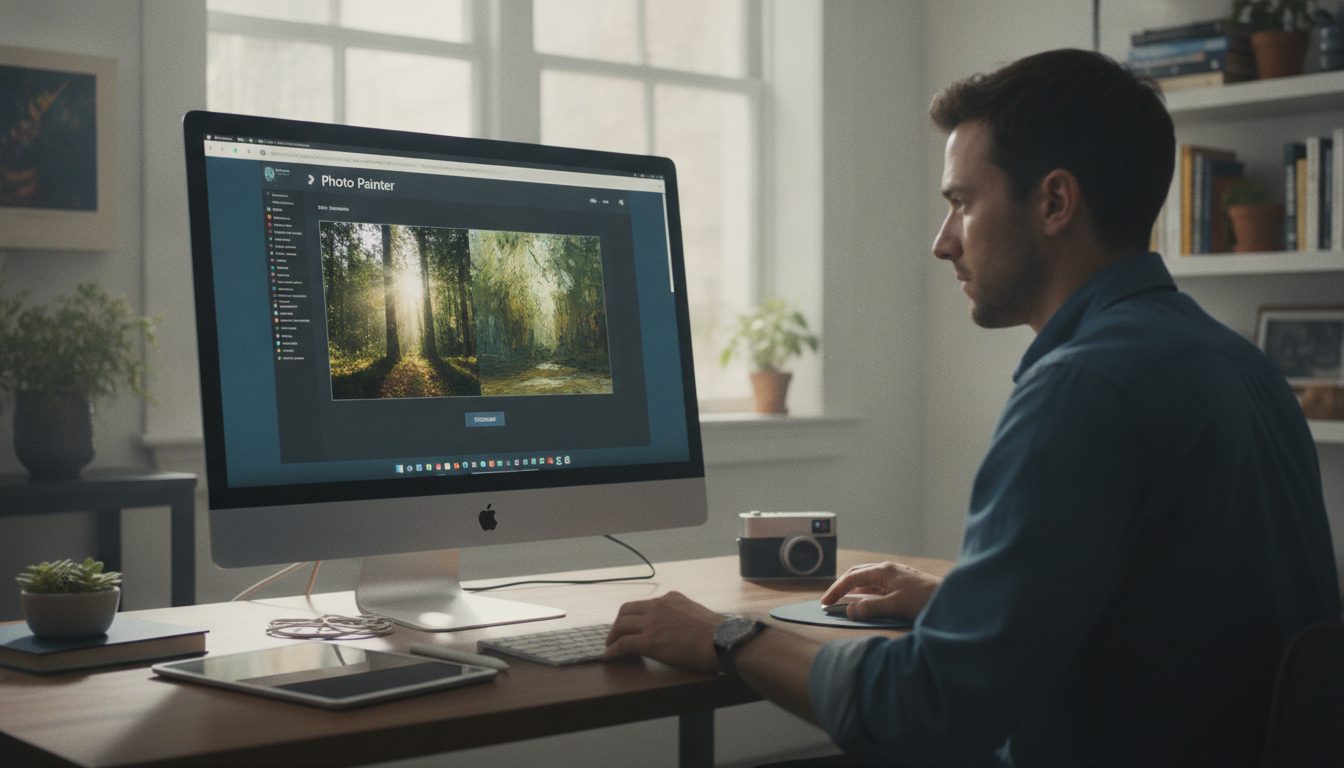
Quick Study: A New Browser Tool for Artistic Photo Rendering
Simon Willison’s Quick Study brings a new twist to browser-based photo editing. Announced on October 23, 2026, it transforms your photos into digital paintings—oil, watercolor, or pointillist styles—right in your browser. No hefty downloads, no outside libraries (besides Google Fonts). You watch, live, as your photo becomes a painting: stroke by stroke, the transformation happens in seconds.
Most browser creative tools lean on bulky frameworks or cloud services. Quick Study skips all that. It’s lean, self-contained, and purposely avoids external JavaScript libraries (except for Google Fonts).
That means it loads fast, plays nice with tight security settings, and won’t suddenly break because some third-party dependency changed. If you ever need to work offline or in a locked-down environment, this design philosophy pays off.
What Sets Quick Study Apart
The workflow is refreshingly simple: upload your photo (file picker, drag-and-drop, or clipboard), and Quick Study gets to work. The tool paints your image in stages—broad strokes first, then finer details. You choose the style, the detail level, and how fast it all happens (2 to 10 seconds).
There’s a live compare toggle, so you can see the original beside the painted version, and a one-click option to repaint for a new look or download the art as a PNG. If your browser has the Downloads service, it’ll use that; otherwise, you get a direct link.
This isn’t just another static filter. Instead, Quick Study animates the painting process, layering strokes just like an artist would: blocking in shapes, then tightening up with detail. Watching this unfold makes it clear how an image gets abstracted and rebuilt in a new style—a little bit art lesson, a little bit entertainment.
On the technical side, Quick Study uses Sobel edge detection to guide its brushwork. This classic computer vision trick finds the edges in your photo—areas with sharp contrast—so the painted version keeps important features like outlines and contours. By sticking with this algorithm (instead of heavier AI-based style transfer), Quick Study stays fast and predictable.
Everything runs inside your browser, with zero need to upload anything to a remote server.
Willison’s earlier projects—like simulating watercolor with P5.js and Claude Fable—laid the groundwork. But Quick Study strips things down further: it’s all about speed, accessibility, and skipping unnecessary bells and whistles so you can dive right in.
Why This Matters for Your Work or Business
Let’s say you’re an entrepreneur, a marketer, or a creative pro. Quick Study gives you a shortcut to unique, painted images from any photo. Need a stylized headshot for a slide deck?
Want product visuals that don’t look like everyone else’s? You can test several looks in seconds—handy for prototyping, social posts, or quick mockups. And since it all happens in your browser, you control your images and get instant feedback—no cloud subscription or waiting on a server.
Take a small business owner updating a website. Instead of defaulting to stock photos or tired filters, they could use Quick Study for consistent, branded visuals that stand apart. Or imagine a freelancer under deadline: in minutes, they can spin up multiple artistic concepts for a client, getting feedback and iterating right away.
Being able to randomize and generate several versions with a click makes creative exploration much quicker—valuable when time is tight.
Privacy isn’t just a buzzword here. Since Quick Study runs entirely in your browser, your images aren’t sent anywhere. That’s a big deal for anyone handling sensitive client material or subject to strict data policies.
Educators and trainers can get in on the action, too. The step-by-step painting animation is a straightforward way to demo art techniques or introduce digital image processing basics. With edge detection at its core, the tool makes a concrete example of how computer vision can power creative work.
How to Use Quick Study in Practice
- Open Quick Study in your browser (see the official site: https://simonwillison.net/2026/Oct/23/quick-study/).
- Upload your photo via file picker, drag and drop, or paste from the clipboard. There is no need to create an account or install software.
- Select your preferred painting medium (oil, watercolor, or pointillist). Each medium affects the style and texture of the brushstrokes, offering different visual moods.
- Choose the level of detail and a duration between 2 and 10 seconds. Higher detail levels and longer durations result in more refined paintings, while lower settings create a looser, more abstract effect.
- Watch as the tool paints the image in real-time. The painting process is animated, showing each pass as the tool moves from broad shapes to finer details.
- Hold the comparison button at any point to see the original photo overlaid on the painted version. This makes it easy to evaluate how much the painting diverges from or retains the original image’s features.
- Repaint for a new randomized version, or download the finished image as a PNG. The randomization feature ensures that you can create multiple, distinct versions from the same source photo.
The interface is intentionally simple. You don’t need to know a thing about digital art or photo editing to get results. Minimal clutter, minimal fuss—so you spend time creating, not clicking through menus.
Here’s a tip: play around with your source photos. Pictures with bold contrasts and clear edges—think architectural shots or portraits with strong lighting—usually yield the best painted results, thanks to the edge detection under the hood. Softer, low-contrast images may come out more abstract. If you want a certain effect, consider bumping up the contrast in your photo before dropping it into Quick Study.
My Honest Take
What I like about Quick Study is its commitment to keeping things fast and hassle-free. By sticking to browser-native tech and ditching unnecessary extras, Simon Willison has built something that’s both practical and dependable. No image uploads, no delays—just straight to the result.
That said, Quick Study isn’t aiming to replace Photoshop or a full-blown AI art platform. There’s no deep customization, no layers, no neural style transfer magic. The painted results are charming and quick, but they’re randomized—you trade precision for speed.
If you need pixel-perfect control, you’ll still want a pro tool or a designer. And since the Sobel edge detection method thrives on high-contrast images, it can falter with photos lacking defined edges.
From a developer’s perspective, Quick Study’s approach is instructive. The browser-only, dependency-light design is a solid blueprint for building accessible, privacy-first creative tools. By leaning on proven algorithms like Sobel edge detection, it reminds us that new tech isn’t always about complexity—it’s about using the right technique for the job.
Looking ahead, it’ll be interesting to see if Quick Study expands—maybe new painting styles, maybe user-customizable brushes. For now, it’s best treated as a quick, creative utility for stylized outputs—not a full replacement for professional art software.
The Bottom Line
Quick Study, from Simon Willison, is a free browser tool that turns your photos into painted images in seconds. It’s quick, straightforward, and respects your privacy—making it a strong pick for anyone who needs creative visuals fast, without the baggage of traditional software. For businesses, freelancers, and creators with time or privacy concerns, it’s a practical addition to your toolkit.
To see more or try it yourself, check out the official announcement: https://simonwillison.net/2026/Oct/23/quick-study/.