
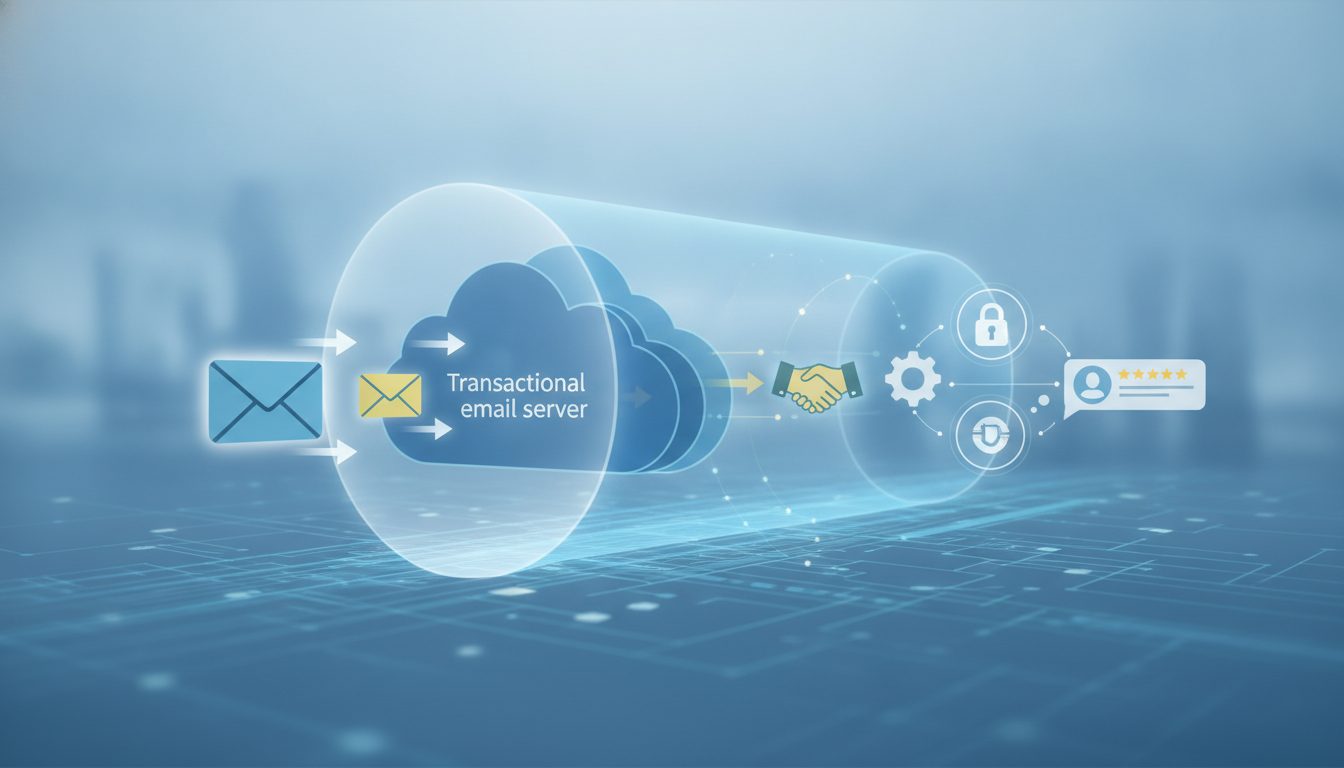
Transactional Email: The Backbone of Customer Communication
Jenny Romanchuk, over at HubSpot, lays out what makes transactional email tick. These are those automated, one-to-one emails you trigger when you do something—reset a password, make an order, that sort of thing. They’re nothing like marketing blasts; transactional emails are laser-focused and event-driven. Their timing and relevance make them indispensable for both customer experience and daily business operations.
What’s New: The Details Behind Transactional Emails
Romanchuk puts it plainly: these emails are operational, sent to just one recipient and always tied to a specific event. Password resets, order confirmations, billing hiccups, login alerts—every message is customized to what you just did. That’s what sets them apart from marketing emails, which are all about campaigns and segments.
HubSpot’s guide is clear—don’t just separate transactional and marketing emails by intent, but by the infrastructure too. Marketing sends can spike volume, create bounces, or generate complaints, which will drag down deliverability for your must-deliver notifications if you use the same IP or domain. That’s why platforms like Yahoo advise you to use different IPs or DKIM domains for transactional email.
This way, even when someone opts out of marketing, they still get the essential stuff without risking blocked inboxes.
Romanchuk gives solid examples of transactional emails at every stage of the customer journey:
- Account and Security Notifications: Password resets, login alerts, two-factor codes—these keep accounts secure and users in the loop. HubSpot, for example, nudges users to enable two-factor authentication; Reddit’s password reset process has instructions in case someone else triggered it, helping users dodge phishing attempts.
- Orders, Billing, and Renewals: Order confirmations, receipts, payment failures, renewal reminders. These cut down support tickets by giving customers instant proof or updates. Hospital Medicover uses these to prep patients about paid appointments and next steps, reducing confusion. Formula 1 TV spells out renewal and cancellation terms in their first purchase email, so users aren’t surprised later.
- Shipping and Service Updates: Tracking links, shipping delays, support ticket confirmations. Clevo (they do climbing equipment) sends updates with tracking, shipping status, and contact info. At Rossmann, customers get automatic notices if something’s out of stock, with clear options for partial refunds or cancellations—keeping the support team from fielding unnecessary calls.
- Project, App, and Community Activity: Task assignments, mentions, review requests, and digests—all triggered by user activity. Asana sends mention notifications to keep users on top of projects, so they don’t have to keep checking the app. Digests here should stick to account activity, not promotions, to stay on the right side of the law.
The article also spells out how to set up transactional emails in your CRM stack. The basics: pick an exact trigger (say, confirmed payment), make sure you’ve got the right data source (the app or CRM), and select the best sending path—maybe in-app, via SMTP API, or Single-Send API. HubSpot’s workflow tools let you branch logic, update records, and send emails, but for anything time-sensitive like password resets, direct API sends are the way to go to avoid lags.
Deliverability is another area you can’t ignore. Sinch Mailgun’s 2026 research shows that almost 18% of emails never even make it to the inbox. If a transactional email fails, it can mean blocked accounts or delayed payments.
Romanchuk lines up a checklist: authenticate your domain with SPF, DKIM, and DMARC; use dedicated subdomains and IPs for crucial traffic; and track delivery status for every single message. Both Amazon SES and HubSpot have tools for message-level delivery tracking and reporting.
Why Transactional Email Matters for Your Business
Transactional emails are the most likely messages your customers will actually read. People expect order confirmations within minutes—Sinch’s 2025 survey says 75% of shoppers want them in five minutes or less. Miss that window, and you’ll end up with frustrated customers, more support tickets, and potentially lost revenue.
Timely password resets, for example, can be the difference between a loyal user and a lost account.
Romanchuk’s examples get to the point. Hospital Medicover uses payment confirmation emails to keep patients in the loop about appointments and prep steps, which helps avoid confusion and reduces admin effort. Rossmann sends out-of-stock notifications automatically, giving customers immediate options and bypassing unnecessary support calls—protecting both trust and efficiency.
If you’re in SaaS, renewal reminders and security alerts help keep churn and breaches at bay. In e-commerce, shipping updates and receipts mean fewer support queries and more satisfied customers. Across the board, well-timed transactional emails eliminate friction and build trust.
There’s also a compliance angle. Transactional emails usually rely on service necessity or a contract as their legal basis—not explicit marketing consent. So, even if someone unsubscribes from your marketing list, they’ll still get the critical updates, which avoids both missed info and legal headaches.
How to Get Transactional Email Right: Practical Steps
- Separate infrastructure: Use different IPs, domains, or subdomains for transactional and marketing emails. If you’re a high-volume sender, go further—dedicated IP pools and queues help isolate your critical messages.
- Authenticate domains: Set up SPF, DKIM, and DMARC for every sending domain. Test your authentication with Gmail and Outlook, and keep an eye on DMARC reports to spot unauthorized senders or mistakes.
- Define clear triggers: Only send transactional emails after verifying the event (like a successful payment). Make sure your payment processors and email systems are tightly integrated; you don’t want to email someone about a transaction that never happened.
- Integrate with CRM: Use accurate customer data in every message, and track all events. Store event IDs and timestamps so you can quickly troubleshoot if something goes wrong.
- Monitor delivery: Track message status and deal with failures quickly to keep customers happy. Amazon SES gives you detailed event logs; HubSpot has delivery records and reporting right in the platform.
- Design for clarity: Put the important info front and center in the subject line and email body. Skip the promo fluff. Your subject should say exactly what happened—like “Payment received” or “Order confirmed.” Don’t put sensitive account details in the subject line.
- Test and version control: Use workflow test tools and keep a record of changes. HubSpot’s WorkflowTest lets you preview and catch issues before launch. Keep your API schemas and integration code in source control, tying each release to a specific email template version for easy rollback and troubleshooting.
Transactional Email Compliance: Consent, Unsubscribes, and Data Rules
Compliance for transactional email isn’t the same as for marketing. Since these are needed to fulfill a contract or provide a service, you don’t need the same level of consent. But you still have to follow data protection laws, handle personal data securely, and give clear contact information.
In the U.S., the FTC’s CAN-SPAM Act says that if your email mixes transactional and promotional content, the main purpose must be transactional to qualify for different rules. So, make sure the focus stays on the event or account activity to stay compliant.
Transactional Email KPIs: What to Measure and What to Act On
Tracking transactional email performance means more than counting opens and clicks. The metrics that matter: delivery rate, bounce rate, spam complaints, and time to inbox. If password reset emails are slow or missing, users might give up—leading to lost accounts and more support.
Use your platform’s reporting to monitor these stats and set alerts for delivery issues or spikes in complaints. Regular reviews and tweaks keep things running reliably.
My Take: Transactional Email Is Undervalued—and Often Underengineered
If you’ve ever been locked out of an account because your password reset landed in the spam folder, you know how much bad transactional email can hurt. Too many companies just tack these messages onto their marketing infrastructure and hope for the best. That’s how critical alerts get lost, support teams chase delivery ghosts, and trust slips away.
Romanchuk’s guide is a reality check: transactional email isn’t just a technical afterthought. It’s foundational for operational reliability and customer experience. The nuts and bolts—domain authentication, IP separation, delivery monitoring—might not sound exciting, but they’re essential if you want to avoid expensive mistakes.
The real-world examples show that doing this well isn’t just about dodging problems; it’s about actively building trust and cutting support costs.
The catch? Solid transactional email demands coordination across marketing, engineering, and IT. Not every business has the expertise or resources to build out dedicated infrastructure or monitor delivery in detail. But with platforms like HubSpot and Amazon SES making this more accessible, the barriers are lower than they used to be.
The Bottom Line
Transactional emails are the plumbing that keeps your business humming and your customers informed. Treat them like the mission-critical infrastructure they are, invest in a solid setup, and you’ll deal with fewer support headaches—and build a lot more trust. If you want the full rundown on best practices and setup, check out Jenny Romanchuk’s guide over at HubSpot.