
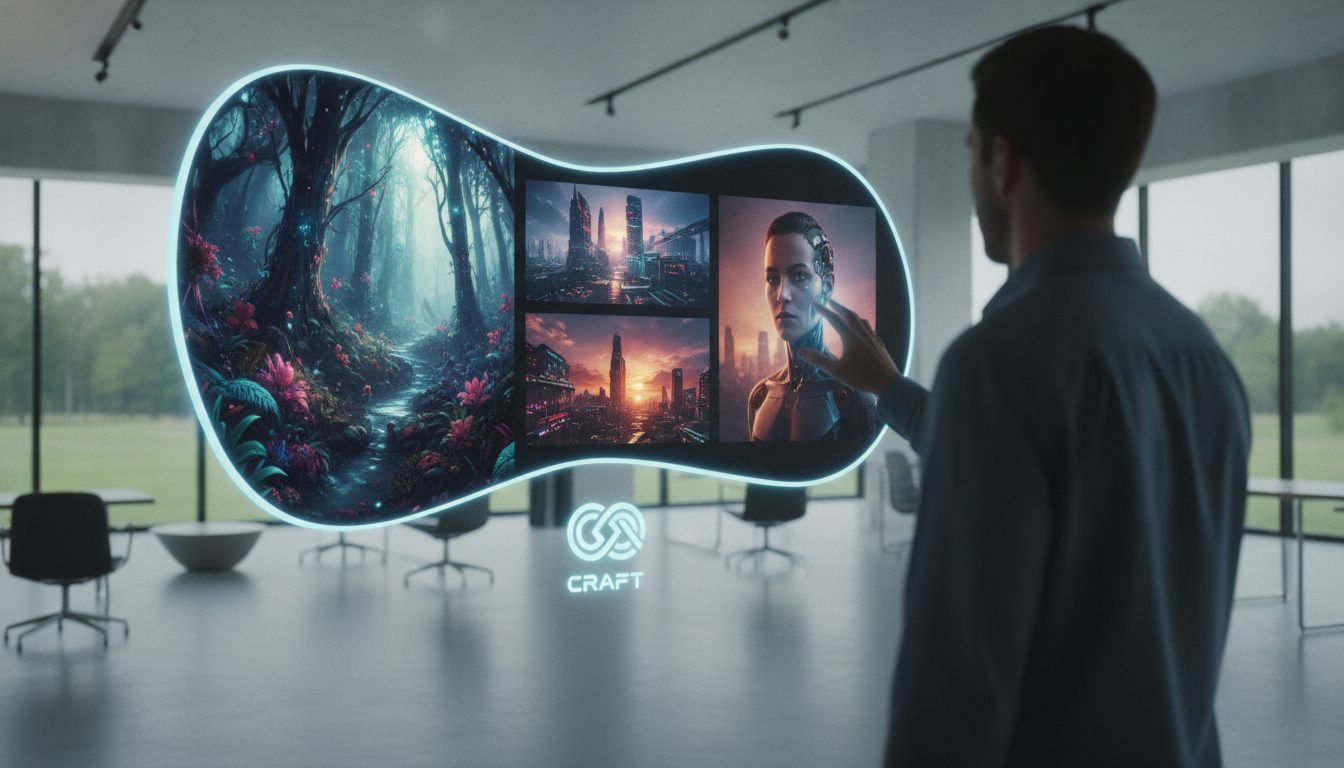
Canva Unveils Its Own AI Image Model, Craft
Canva just rolled out Canva Craft, its first image generation model built entirely in-house. This is a big deal for the platform—it’s a clear move away from depending solely on outside AI vendors. Craft is Canva’s answer to image models from the likes of Google, OpenAI, ByteDance, and Meta. As of now, you can access the model in Dream Lab or tap into it via a public API, with more integrations in the pipeline.
For Canva, developing its own model is about more than flexing technical muscle. It’s a signal: Canva wants direct control over the tech behind its design tools. That opens up new possibilities for speeding up product improvements, reacting to user feedback, and keeping costs and intellectual property closer to home. The less Canva relies on external AI, the nimbler—and more cost-effective—it can be.
Inside Canva Craft: Features, Approach, and Performance
Canva Research, the company’s own lab, built Craft from scratch. Instead of tapping vast photo libraries like many competitors, they trained Craft mainly on millions of design templates. That’s deliberate: the goal is to generate images tailored to practical design needs—think marketing visuals, business slides, or branded graphics—rather than just generic or artsy photos.
Here’s how Craft works: it starts by laying out the image’s structure—composition, layout, proportions, text—before it moves on to generating the final image. You get results up to 2K resolution. This two-step process is designed to help ensure the output isn’t just good-looking, but actually usable in professional designs.
Craft supports over 30 aspect ratios, giving you flexibility for just about any platform or format. Need a square image for Instagram? A wide banner for your site? A tall story format? Craft’s built to deliver images that fit seamlessly, helping businesses keep their brand look consistent no matter where content appears.
Another standout: Craft handles text in 55 languages. If your team juggles international campaigns or clients, this could save serious time on localization. Canva is leaning into its global user base here—over 190 countries strong—by making multilingual content production less of a headache.
Magic Layers is where things get interesting. Most AI image tools spit out a single flat file. Magic Layers, on the other hand, lets you separate the image into editable layers. That means you can tweak backgrounds, adjust text, or move graphics directly in Canva—no need to start over or bounce between tools. For anyone who’s battled endless revision cycles, this could be a game-changer.
As for performance, Canva highlights Craft’s showing on DesignArena—a benchmarking site for image models. They say Craft landed fourth overall, but took the top spot for portraits and landscapes. These are Canva’s own numbers, but if accurate, it suggests Craft is especially strong in the kinds of visuals businesses use most.
You can use Craft now through Dream Lab or the public API. Canva also has plans to connect Craft with chatbots like ChatGPT and Gemini, opening the door for conversational image creation. Plus, two budget-friendly versions—Craft-fast and Craft-ultrafast—are on the way for users who need quick turnaround or high-volume outputs.
Notably, Leonardo.ai researchers (brought in by Canva’s 2024 acquisition) are involved, so this isn’t just an internal project—it’s a blend of homegrown and acquired expertise.
What Canva Craft Means for Businesses and Professionals
The arrival of Craft changes the equation for businesses and pros who rely on sharp, consistent visuals. First, by owning the whole image generation stack, Canva can contain costs, which could mean better pricing or more features for you down the line. The bigger deal, though, is direct control over quality and how fast the tool evolves.
If you’re in marketing, Craft’s broad support for aspect ratios and languages lets you spin up and localize campaign visuals much faster. Imagine launching a product worldwide: you can now generate promo assets in every relevant format and language, all in Canva, without wrangling design or translation vendors. That can seriously speed up campaigns and shrink time-to-market.
Agencies and designers working with clients get the benefit of Magic Layers. When a client wants a specific change—say, swapping a background or editing text—you can tweak that element on the spot, no need to rebuild the whole design. This level of control helps cut project turnaround and keeps clients happy.
For small businesses and freelancers, those coming Craft-fast and Craft-ultrafast variants promise more affordable, high-speed image generation. If you’re producing lots of social posts or ads, this could make polished, AI-driven visuals much more accessible. Pricing and rollout details are still TBD, but Canva’s clearly aiming to serve everyone from solo operators to big enterprises.
Getting Started with Canva Craft: Practical Steps
- Access Craft via Dream Lab or the public API: Canva users can find Craft as part of their existing design toolkit. For developers and businesses, the public API enables integration into custom workflows or applications.
- Experiment with aspect ratios and languages: Try generating images in the formats and languages most relevant to your projects. This can help you assess Craft’s strengths and identify any limitations in your specific use cases.
- Leverage Magic Layers for efficient editing: Use the layer separation feature to isolate and adjust individual elements, streamlining the revision and approval process for your designs.
- Monitor updates on Craft-fast and Craft-ultrafast: If your work involves high-volume content generation, stay informed about the release of these faster, lower-cost variants, as they may offer additional savings and efficiency.
- Evaluate integration options: If you use chatbots or custom automation in your workflow, consider how future MCP integrations could enable conversational image generation or automated content pipelines.
Critical Perspective: Potential and Limitations
Canva building an in-house image model is a natural next step for a platform that’s become essential to business design. Training Craft on templates instead of photos could give it an edge for real-world content—more practical than photorealistic or experimental images.
That said, it’s worth noting that Craft’s performance outside Canva’s own tests is still unproven. The DesignArena results look promising, but independent reviews will matter more for most teams. Before you commit fully, I’d recommend testing Craft on your actual workflows to see where it shines or falls short.
Magic Layers is a strong differentiator, but its value depends on how well it handles complex designs and how smooth the editing experience really is. As with any AI, don’t expect perfection—there will be cases where manual adjustments are still needed.
Text rendering is another variable. Supporting 55 languages is impressive, but the real test is how clean and accurate the output looks, especially for non-Latin scripts or languages with unique typographic rules. You’ll want to check this in your own projects.
Finally, by taking full ownership of its AI, Canva will need to stay on its toes—responding quickly to bugs, feedback, and any content or ethical issues. More agility means more accountability, and users will expect Canva to deliver on both fronts.
The Bottom Line
Canva Craft is a strategic play that could make AI-driven design more adaptable and affordable for business users. The template-based training and Magic Layers feature address real design needs, while public API access and future chatbot links point to broader automation. If Canva is your go-to for design, now’s a good time to put Craft through its paces and keep an eye out for the faster, cheaper variants and new integrations as they roll out.
For more details, visit canva.com.