
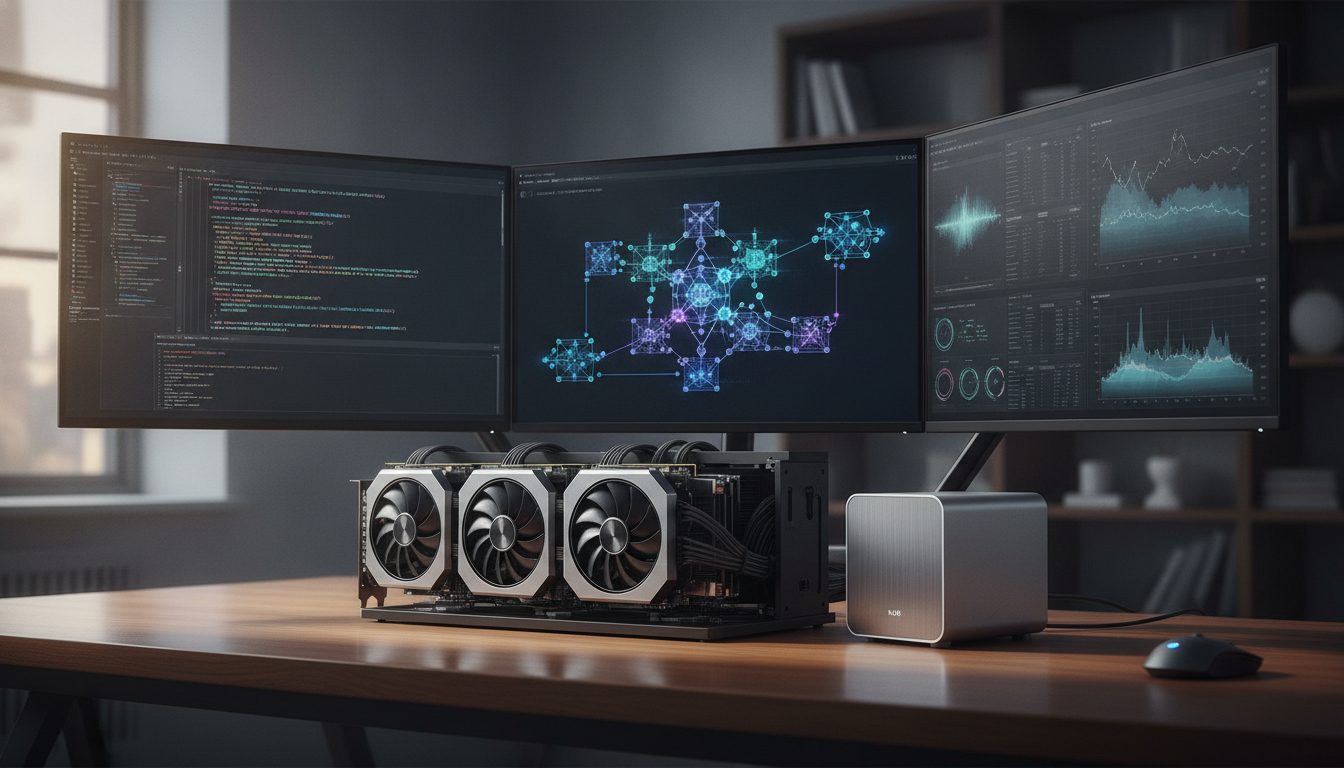
If you’ve ever tried to run a high-end AI model locally, you know the pain of watching a progress bar crawl because your GPU is gasping for memory. The demand for powerful, private, and responsive local AI has never been higher—and 128GB VRAM is where things get interesting for ambitious businesses and professionals. But before you start salivating at the spec sheet, let’s peel back the hype and get practical about what these setups actually deliver, what they cost, and where the real bottlenecks are hiding.
Why 128GB VRAM Makes a Difference (And When It Doesn’t)
Let’s cut straight to the point: you don’t need 128GB VRAM to run your Slackbot or automate your invoices. But if you’re handling massive transformer models, multi-modal architectures, or real-time video analysis, high VRAM unlocks workflows that lower-end cards can’t touch. Imagine keeping several large language models in memory, running simultaneous inferencing on high-res images, or batch-processing huge datasets—these are the workloads where 128GB isn’t a luxury, it’s a prerequisite.
On the flip side, if your tasks are modest—think fine-tuning midsize models, or running small chatbots—the extra memory mostly sits idle. With current options running from $3,099 to $6,950, investing in 128GB VRAM only makes sense if you have a business case that justifies the spend. Treat these rigs like a high-performance delivery van: invaluable if you’re shipping freight, overkill for groceries.
Meet the Contenders: How 128GB VRAM is Achieved Today
The 128GB VRAM club is exclusive, but not empty. Three main routes currently dominate:
- Strix Halo Mini PC: Linux-friendly, small footprint, and powerful enough for serious experimentation. Ideal for those who want control and don’t mind getting their hands dirty.
- Apple Mac Studio: With top-tier M-series chips, the Mac Studio offers huge bandwidth and impressive stability for macOS fans. It’s plug-and-play—if your AI stack is Mac-compatible.
- NVIDIA DGX Spark: The enterprise workhorse, built for heavy-duty, concurrent AI workloads. It’s the priciest and bulkiest of the options, designed for teams pushing multiple models around the clock.
- RTX PRO 6000 (Windows): A single-card solution with a substantial memory buffer, but check the software stack—Windows memory allocation quirks often restrict usable VRAM.
- DIY Multi-GPU Rigs: If you’re comfortable with hardware, pooling several lower-memory GPUs (and handling the software orchestration) can get you close to 128GB effective VRAM. This route requires more IT elbow grease but can be cost-effective and flexible.
Here’s the catch: even on these monsters, usable VRAM is often less than advertised. Windows and macOS both impose GPU memory usage limits, and some AI frameworks struggle to efficiently use massive pools of VRAM. So, don’t believe that 128GB on the box always means 128GB in practice. Planning for some overhead and inefficiency is wise.
Who Actually Needs 128GB VRAM?
Let’s get concrete about use cases. Who really benefits from this much firepower?
- Enterprises training or running foundation models on proprietary data, especially if cloud privacy or latency is a concern.
- Video and image analytics teams processing high-resolution streams or running deep convolutional networks in real time.
- AI development shops working on multi-model orchestration, complex batch inferencing, or research that pushes the boundaries of what’s possible locally.
- Organizations with regulatory, privacy, or compliance needs that prohibit cloud processing of sensitive data.
For the rest—startups, solo developers, or SMBs with lightweight AI needs—the investment is rarely justified. You’ll get more ROI upgrading software, optimizing pipelines, or scaling horizontally with several mid-range GPUs.
What Do You Actually Gain?
Pretend you’re running a video analytics pipeline on hours of 4K footage. With a 16GB card, you’re forced to process in tiny chunks, manage constant disk swapping, and wait ages for results. With 128GB VRAM, you keep far more data in memory—allowing larger batch sizes, richer models, and faster inferencing.
This isn’t just a benchmark win: it means shorter development cycles, faster iteration, and, for client work, potentially higher margins.
It’s also about running multiple models side by side: think of a customer support bot, a fraud detection model, and a recommendation engine, all active and context-aware, without waiting for memory to shuffle. For privacy-focused teams, it means you can keep everything in-house, with no sensitive data leaving your premises.
But don’t expect miracles. Some architectures, like Qwen 3.8 Flash-Next, only process about 6 billion parameters per word—so raw VRAM isn’t always the bottleneck. Software choices, model architecture, and engine efficiency play a big part.
The Cost-Benefit Equation: Sticker Shock With Nuance
Let’s talk money. Most 128GB VRAM setups land between $3,099 and $6,950. That’s just hardware—you’ll also need to factor in power, cooling, and ongoing support. The cost to unlock the fourth bit of processing precision can add $700 to $2,200, depending on configuration. For many, that extra precision is unnecessary; for others, it’s mission-critical. Know your needs before you pay the premium.
Direct benefits: Faster inference, concurrent large models, and smoother workflows for demanding AI tasks.
Secondary benefits: Privacy (no third-party cloud), predictable performance (no throttling), and independence from cloud outages or shifting API terms.
Downsides: High upfront cost, increased power and cooling needs, and potential software limitations that might blunt your hardware’s edge.
If your stack can’t see or use all your VRAM, you’re paying for wasted capacity.
Ask yourself: could you get the same performance (or close) by spreading workloads across several lower-VRAM machines? Sometimes, the answer is yes—especially if your models are easily sharded or your workloads are parallelizable.
Benchmarks, Software Gotchas, and Real-World Performance
Numbers on a spec sheet are a starting point, not a guarantee. In a recent YouTube video, Kai demonstrated that actual throughput can swing wildly depending on the AI engine, memory management, and system configuration—even on identical hardware. Windows and macOS users, in particular, hit GPU memory caps that sap much of the theoretical gain from 128GB cards.
Here’s what happens in practice:
- Linux with well-optimized drivers: Often delivers the best performance and most reliable access to full VRAM. Ideal for technical teams willing to tune their stack.
- macOS: Stable for certain workflows, but some AI tools and frameworks simply aren’t Mac-native or can’t use all the hardware. Check your stack before buying.
- Windows: Most likely to hit VRAM allocation caps, especially with older drivers or less mature AI engines. This can turn your 128GB flagship into a 90GB workhorse, sometimes less.
Another wrinkle: some engines, like those used for large transformer models, are optimized for Nvidia cards and Linux. Mac Studio’s impressive hardware can be blunted by poor cross-platform support.
The lesson: always benchmark your intended workloads on a test system first, if possible. Don’t trust vendor claims or YouTube benchmarks that don’t match your use case.
Implementation Strategies: Getting the Most from High-VRAM Hardware
1. Choose the Right Hardware for Your Workflow
- Linux/open source focus: Strix Halo or DIY multi-GPU rigs give you flexibility, but you’ll need to budget for setup time and ongoing maintenance.
- Apple ecosystem: Mac Studio is elegant and reliable for supported workflows, but check software compatibility closely.
- Heavy concurrent workloads, large teams: NVIDIA DGX Spark is expensive but built for scale, redundancy, and reliability.
2. Optimize Your Software Stack
- Pick AI engines and frameworks known to exploit available VRAM. Some can only tap a fraction of the hardware’s capacity due to legacy code or poor optimization.
- Keep drivers and OS patches up to date. VRAM allocation bugs are common and fixes roll out frequently.
- Consider containerization or virtualization for workload management, but beware of added overhead.
- Benchmark your real workloads—don’t rely on theoretical or vendor-provided numbers.
3. Calculate the True Cost
- Add up not only hardware but also power, cooling, and support contracts. A high-end GPU rig can spike your electricity bill and requires robust cooling, especially in multi-GPU configurations.
- Be cautious about paying for fourth-bit precision unless your use case demands it. For most inference tasks, lower precision suffices and saves real money.
- Compare against a cluster of mid-range machines. For some applications, scaling horizontally beats maxing out a single node.
Limitations and Trade-Offs: The Fine Print
Here’s where a little dry humor meets hard reality: a 128GB VRAM badge won’t turn a junior dev into an AI wizard, nor will it fix broken pipelines. You’re buying capacity, not invincibility.
- Hard caps: OS-level VRAM restrictions can turn a 128GB flagship into a system that delivers much less in practice. This is especially acute on Windows and macOS, where driver and kernel limits sometimes lag behind hardware advances.
- Software support: Not all AI frameworks can use all your VRAM efficiently. Some top out at far less, wasting your investment.
- Cost ceiling: Even at $6,950, you’re not futureproofed. In the AI arms race, two years is a long time—next-gen cards may leapfrog your setup quickly.
- Complexity: Multi-GPU setups mean more maintenance: driver conflicts, power balancing, and heat management can eat into your productivity and patience.
In short: know what you’re getting, and know what you’re not.
Practical Steps Before You Buy
- Audit your real workloads. Will you truly exploit all that VRAM, or are you paying for headroom you’ll never use?
- Check software compatibility. Inventory every tool and framework you plan to use—can they see and utilize the full VRAM?
- Test on smaller hardware first. Benchmark your actual pipelines. Identify bottlenecks before you invest in a flagship rig.
- Budget for the total solution. Hardware is just the start; factor in support, power, and a margin for unexpected software or driver quirks.
- Research OS and driver limits. Especially if you’re on Windows or macOS—these can quietly undermine your investment.
Conclusion: Is 128GB VRAM Worth It for Your Business?
If you’re running serious AI workloads—models that strain the limits of typical GPUs, require privacy, or demand lightning-fast, local results—128GB VRAM can be transformative. It opens doors to new use cases, faster workflows, and greater control over your data. But it’s not a universal fix.
The right setup depends as much on your software stack, business needs, and willingness to tinker as it does on hardware specs.
Approach this as you would any major infrastructure investment: with clear requirements, careful benchmarking, and an eye on the total cost of ownership. For many, a mid-tier setup or a small GPU cluster offers better value. For those who truly need to push the boundaries of local AI, 128GB VRAM is a serious tool—powerful, but only in the right hands and with the right preparation.
Ready to dig deeper? Start by comparing the Strix Halo, Mac Studio, and DGX Spark against your actual workloads and business goals—not just the marketing sheet. The difference between a good and a great investment is always in the details.
Max